Creating a Project from a Template
To create a monitoring project from a previously saved template:
On the template catalog page (Control Panel > Catalog > Templates), select the desired template, hover the cursor over the menu icon (three dots) on the right side of the corresponding row, and click “Create project based on template.”
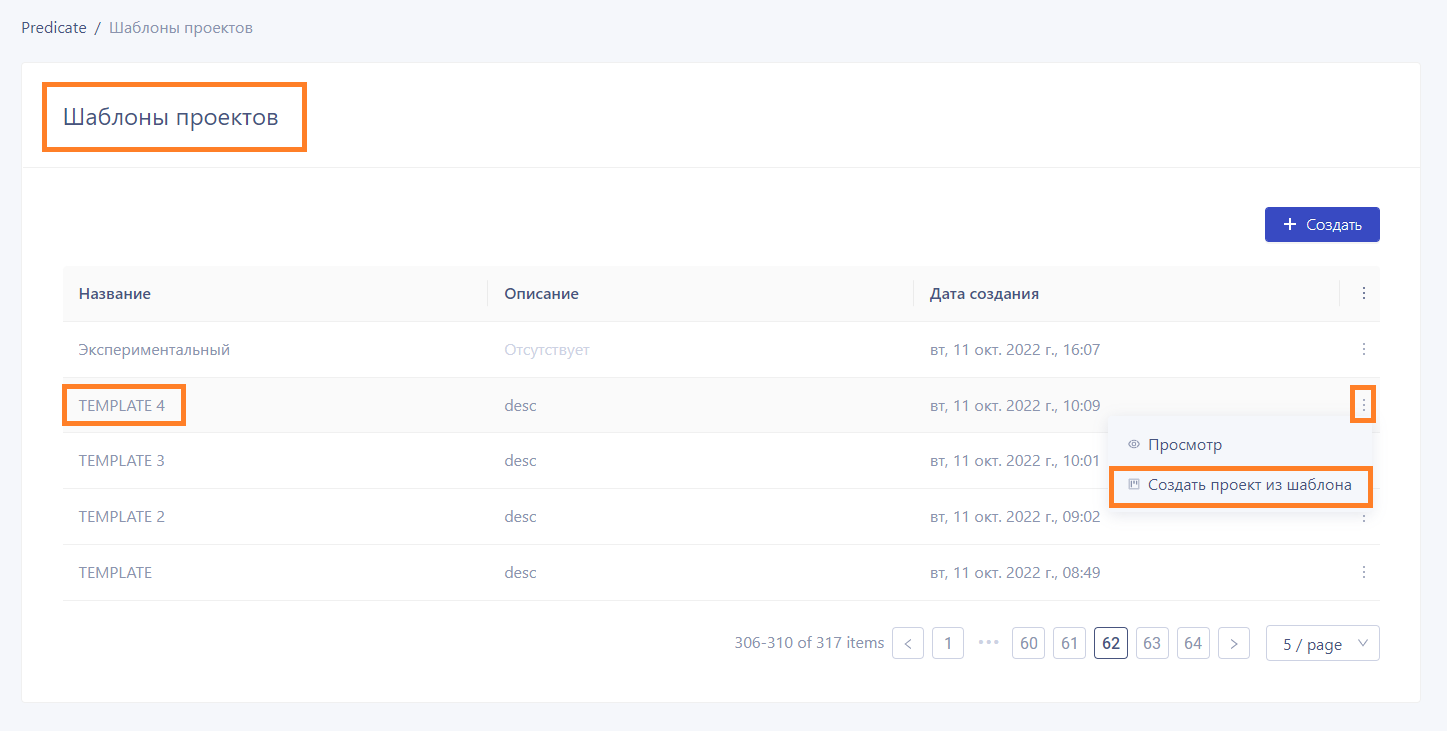
A new project creation form will open, with some fields automatically filled in according to the settings of the selected template. The remaining fields should be filled out according to the instructions in the section "Creating a New Project".