Creating a New Template
Transition to the Project Template Creation Form
To create a new template, go to the "Project Builder" section in the main menu of the application. On the opened page, click the "+" button in the upper right corner and select "Project Template" from the dropdown menu.
The project template builder will open:
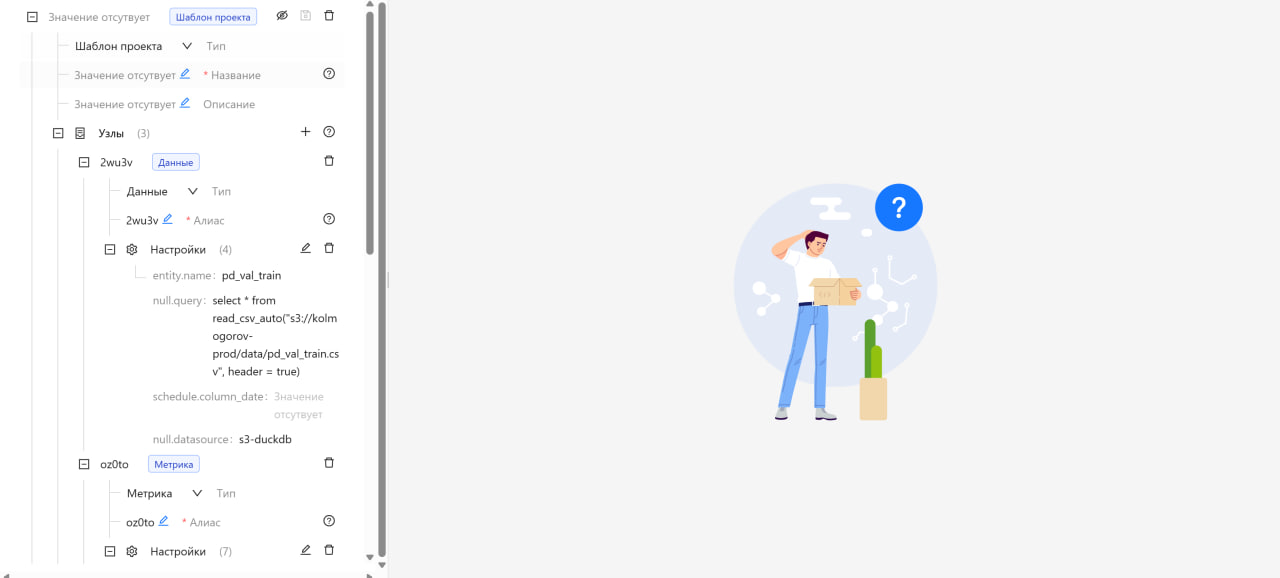
The process of creating a project template is similar to the process of Creating a New Project, with the difference that at the beginning, the type "Project Template" is selected instead of "Project".
The algorithm for creating a project from a template is described in the section "Creating a Project from a Template".